How to Make AI Videos for TikTok & Reels: Complete Guide (2026)
Create viral short-form videos using AI. Step-by-step guide covering text-to-video, image-to-video, and Motion Control for TikTok, Instagram Reels, and YouTube Shorts — with real prompt examples.
Short-form video is the most powerful content format in 2026 — and AI has made it possible to create scroll-stopping clips without a camera, without editing skills, and in minutes. Here's how to use Nano Banana's AI video models to make content for TikTok, Instagram Reels, and YouTube Shorts.
Method 1: Text-to-Video — Describe a Scene, Get a Clip
The fastest way to generate a short video. Write a prompt describing what you want to see, pick a model, and get an 8-15 second clip. Perfect for B-roll, transitions, and background footage.
How to do it:
- Go to Text to Video studio
- Select your model (Kling 3.0 for quality, Sora 2 for speed)
- Write a detailed prompt
- Set duration to 5-8s (ideal for TikTok hooks)
- Click Generate
Hook prompts for TikTok:
- "A dramatic slow-motion close-up of water droplets splashing on a neon-lit surface, cyberpunk aesthetic, cinematic, 4K quality"
- "A golden retriever puppy running through a field of sunflowers at golden hour, slow motion, heartwarming, cinematic"
- "A futuristic city skyline at night with flying cars and holographic billboards, Blade Runner style, aerial drone shot"
Method 2: Image-to-Video — Bring a Still Photo to Life
Take any photo — a product shot, a selfie, a landscape — and turn it into a moving clip. This is the highest-engagement format on TikTok because the "before → after" transformation catches the eye.
How to do it:
- Go to Image to Video studio
- Upload your photo
- Describe the motion you want (e.g. "camera slowly zooms in, gentle breeze blowing hair")
- Select Hailuo 2.3 or Veo 3.1 Fast for quick results
- Click Generate
Best use cases:
- Product showcase: static product photo → slow rotation reveal
- Portrait animation: still selfie → subtle facial movement + wind
- Landscape cinemagraph: still nature photo → flowing water + moving clouds
Method 3: Motion Control — Make Any Photo Dance
The most viral-worthy technique on this list. Upload a character photo + a driving video (someone dancing, walking, or performing any motion), and the AI transfers the movement onto your character. The results feel like magic.
How to do it:
- Go to Video to Video studio (Motion Control)
- Upload a reference photo (your character)
- Upload a driving video (any dance or motion clip, 3-30 seconds)
- Select resolution (720p for TikTok, 1080p for YouTube)
- Click Generate
How to make this go viral: Record yourself doing a trending dance → upload to Motion Control with a cartoon/anime character → post the side-by-side comparison. The "I made a cartoon dance" format consistently pulls millions of views.
Example: Cartoon Character Dancing
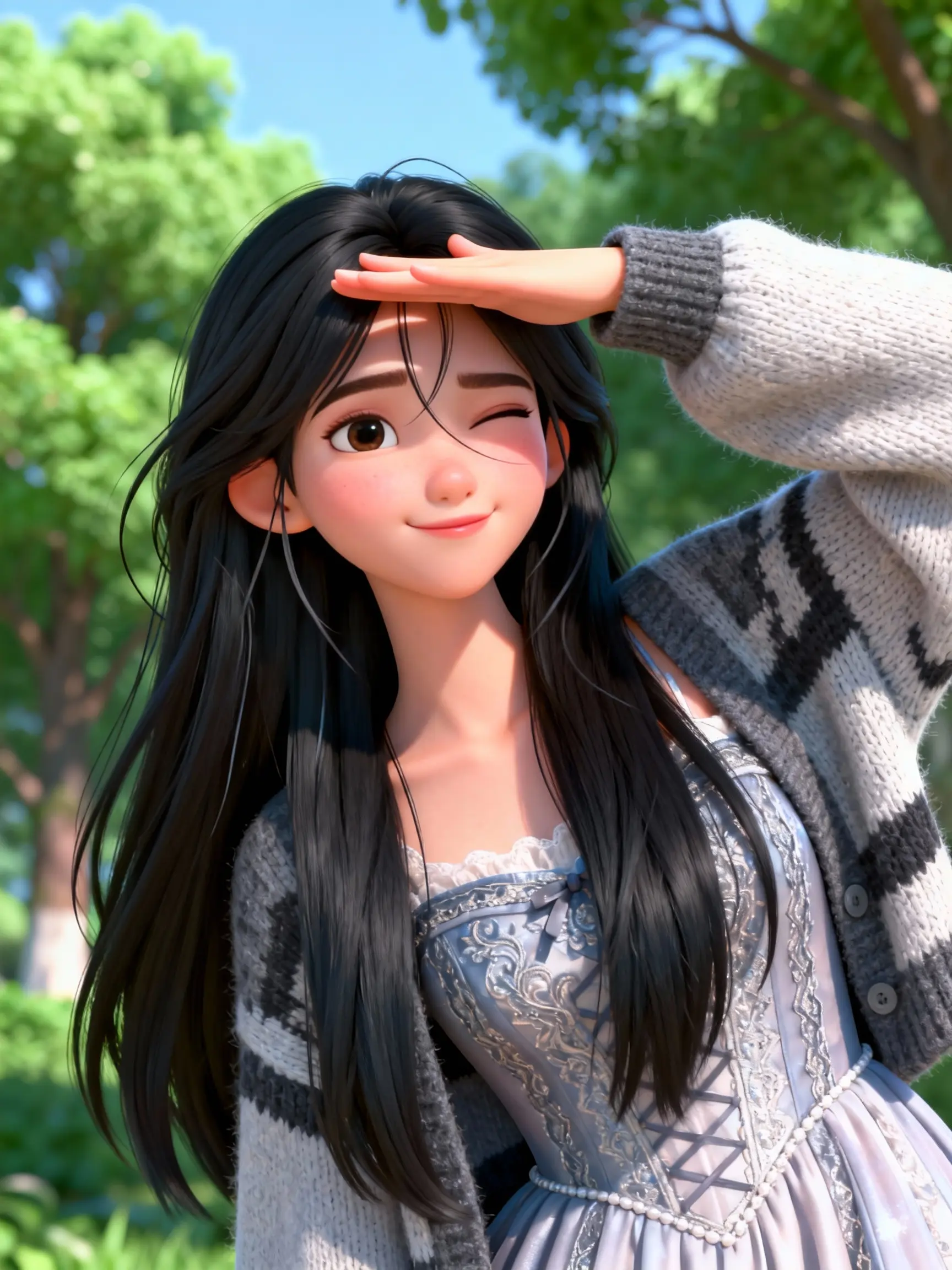
Photo
Dance video
Result
Export Settings for Social Media
| Platform | Aspect Ratio | Duration | Resolution |
|---|---|---|---|
| TikTok / Reels | 9:16 | 5-15s best | 720p |
| YouTube Shorts | 9:16 | 15-60s | 1080p |
| TikTok Story | 9:16 | Max 15s | 720p |
Content Calendar: One Week of AI Videos
| Day | Video Type | AI Method | Best Model |
|---|---|---|---|
| Mon | Product showcase | Image-to-Video | Hailuo 2.3 |
| Tue | Dance challenge | Motion Control | Kling 3.0 MC |
| Wed | B-roll montage | Text-to-Video | Sora 2 |
| Thu | Before/After | Image-to-Video | Veo 3.1 Fast |
| Fri | Cinematic scene | Text-to-Video | Seedance 2 |