NB
Studio0
Animate still images into smooth AI videos. Upload a photo, describe the motion or scene, set duration, then generate.
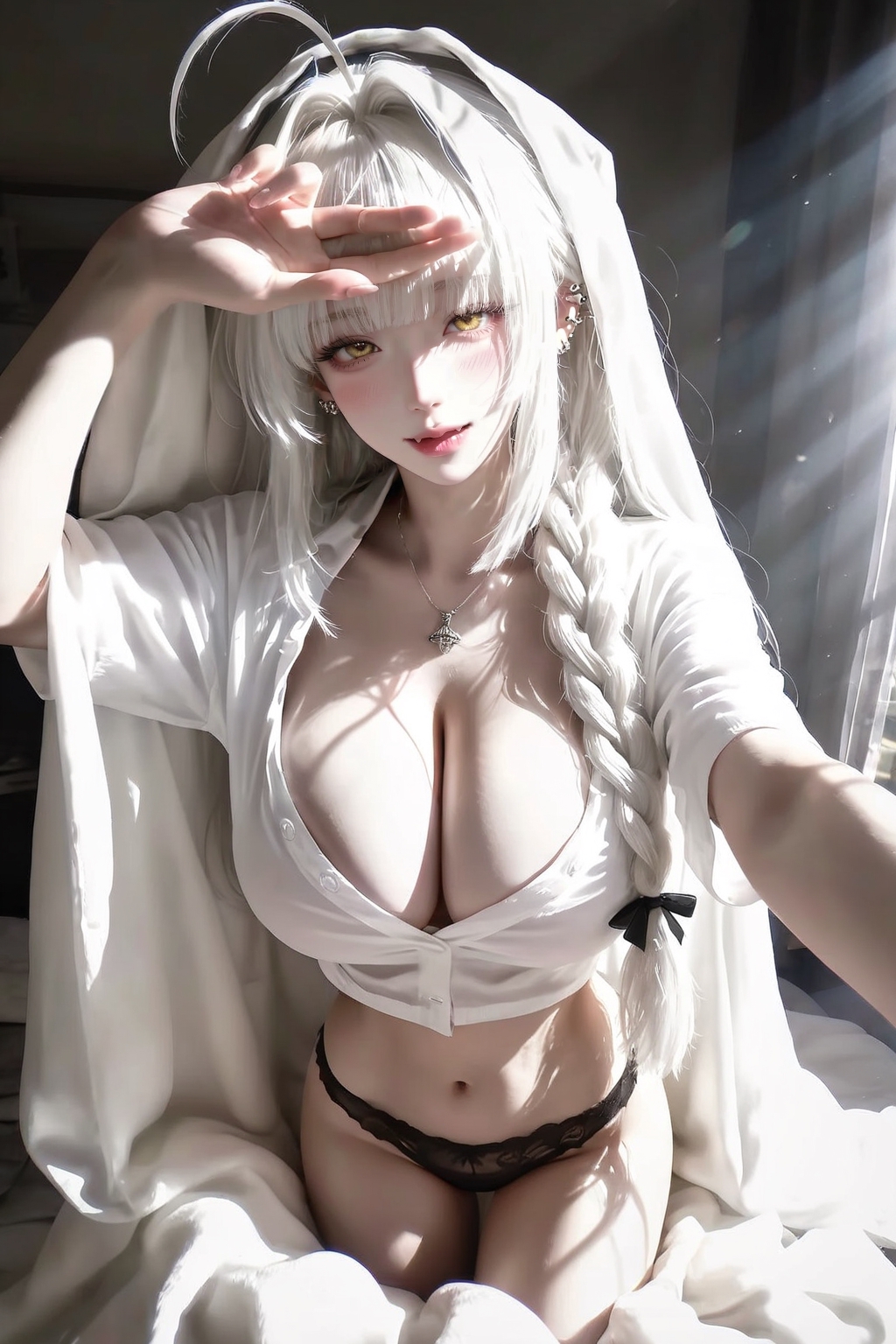
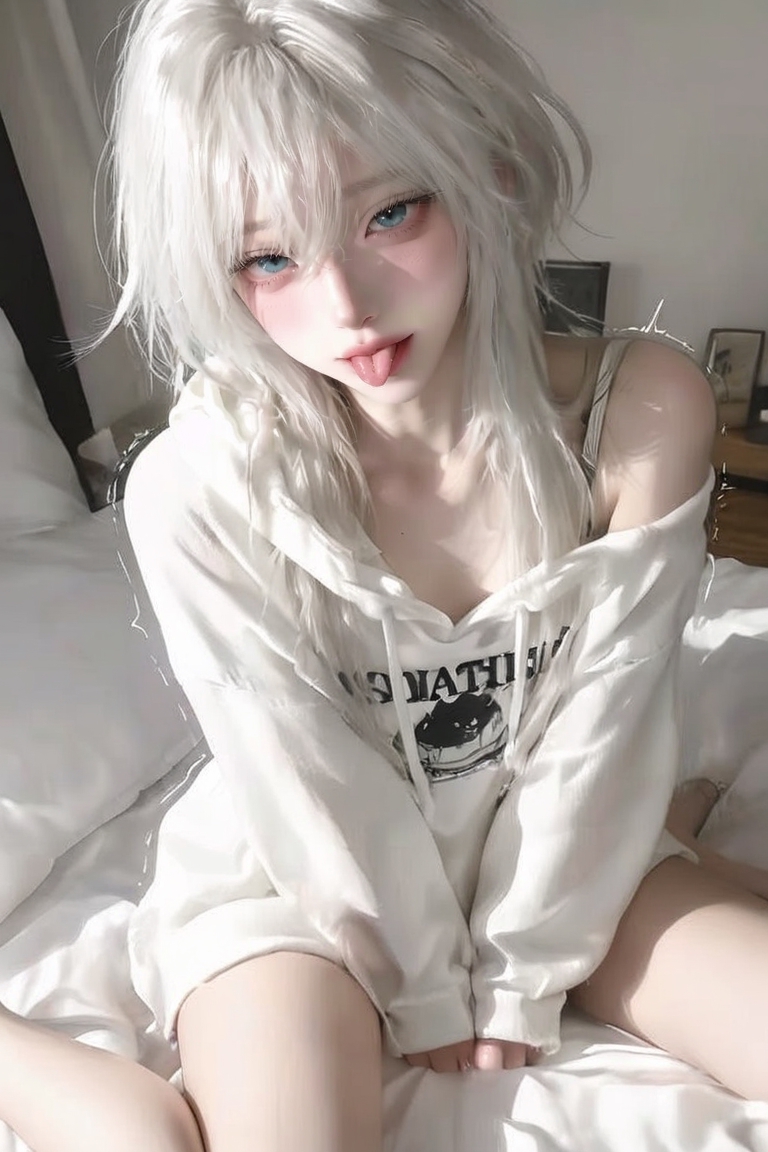
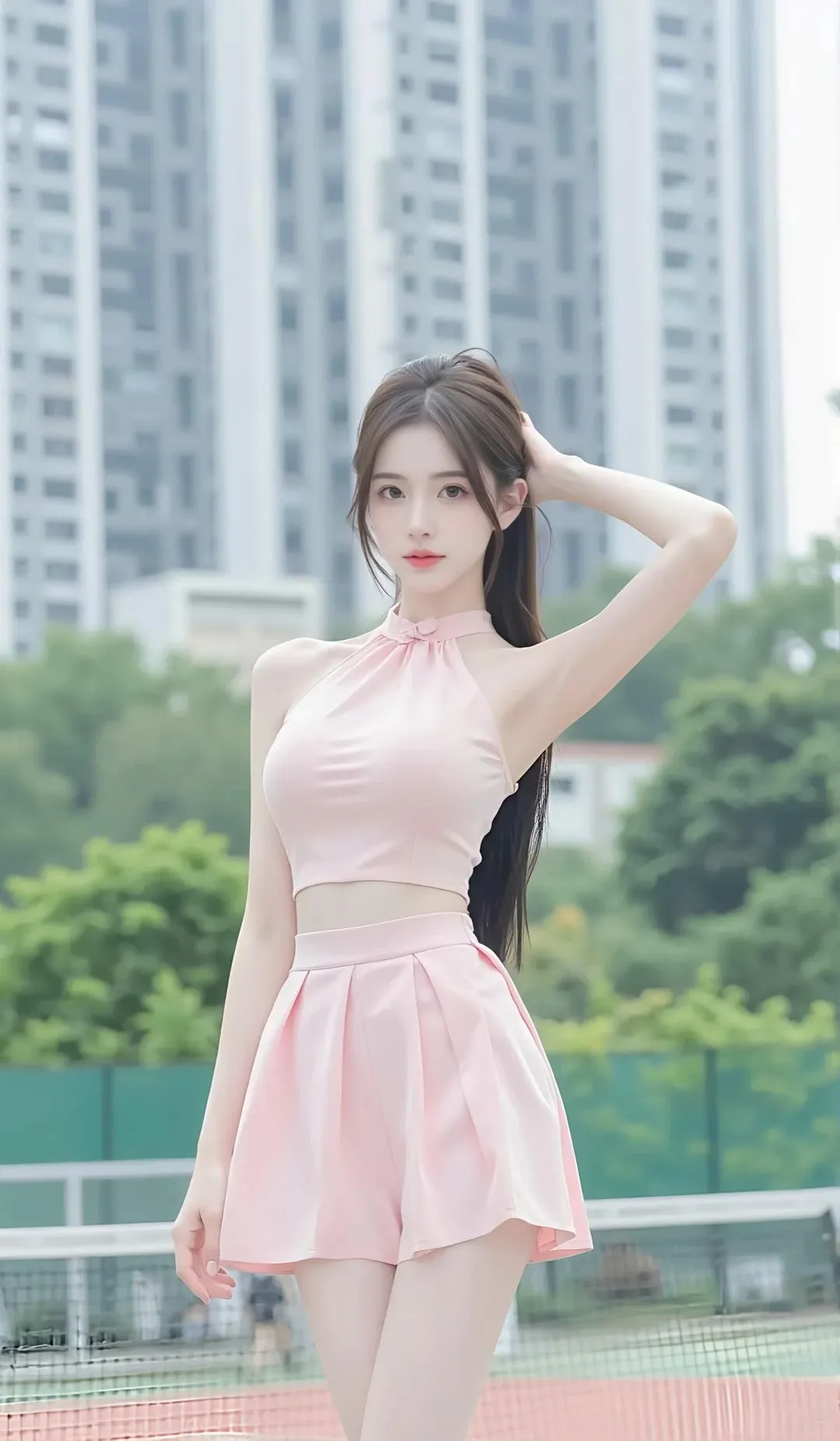
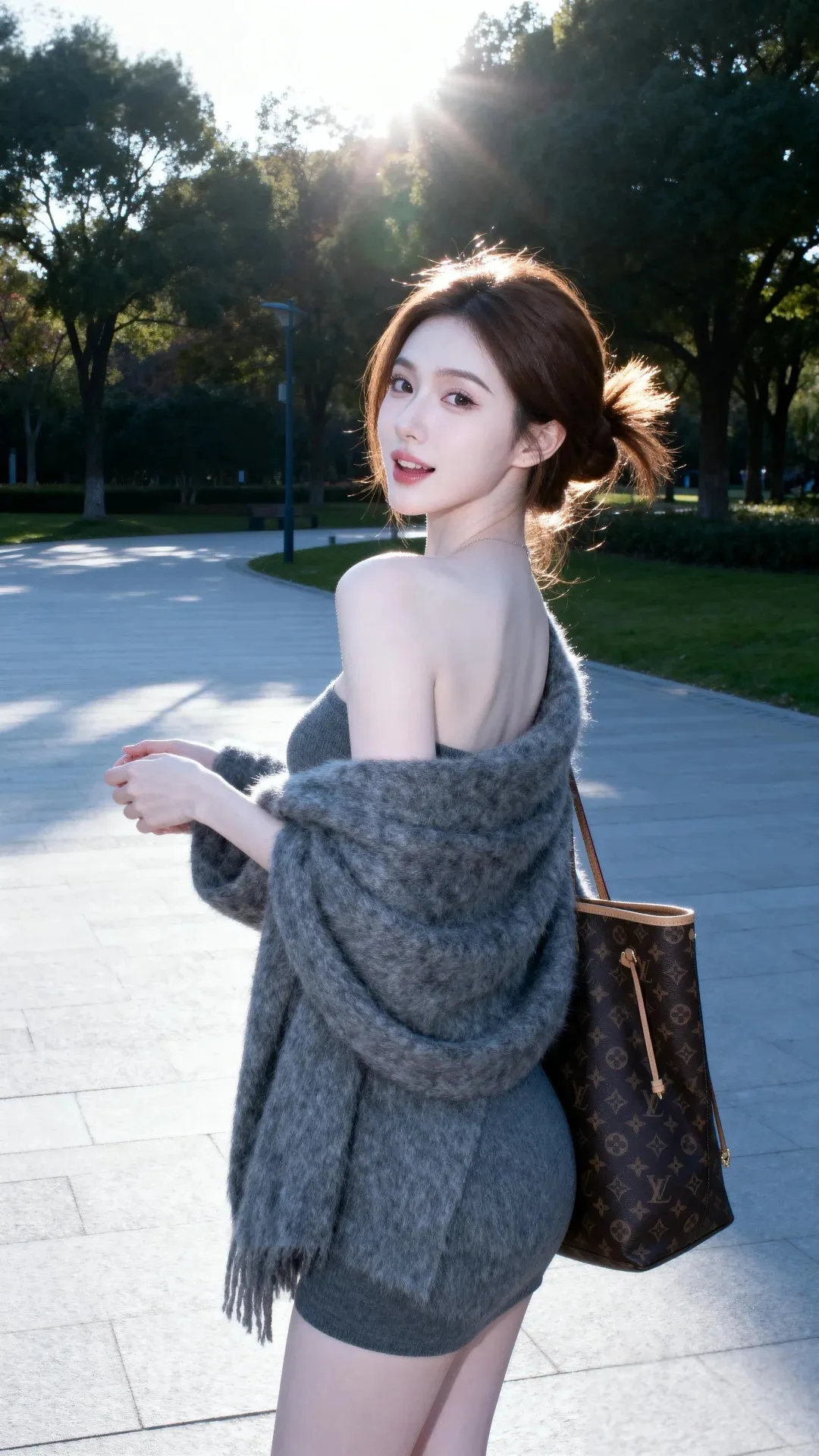
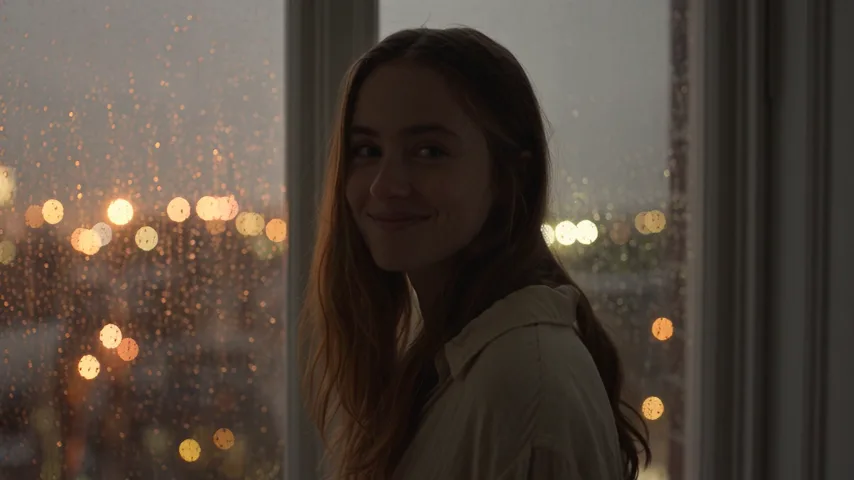
![[Professional studio portrait photograph of]](https://cdn.bananaimag.com/gallery/realistic/967950522000609473.jpg)
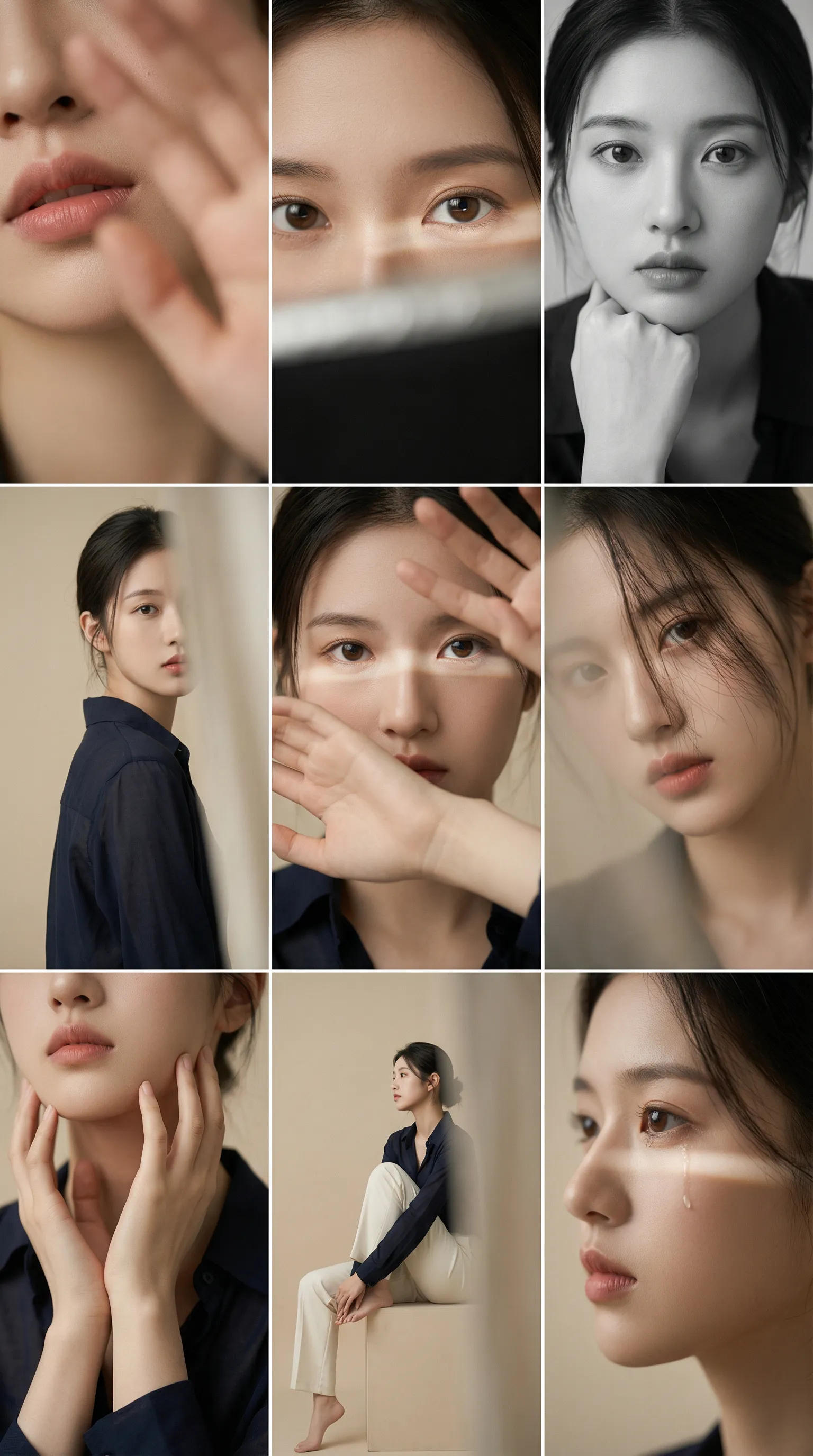
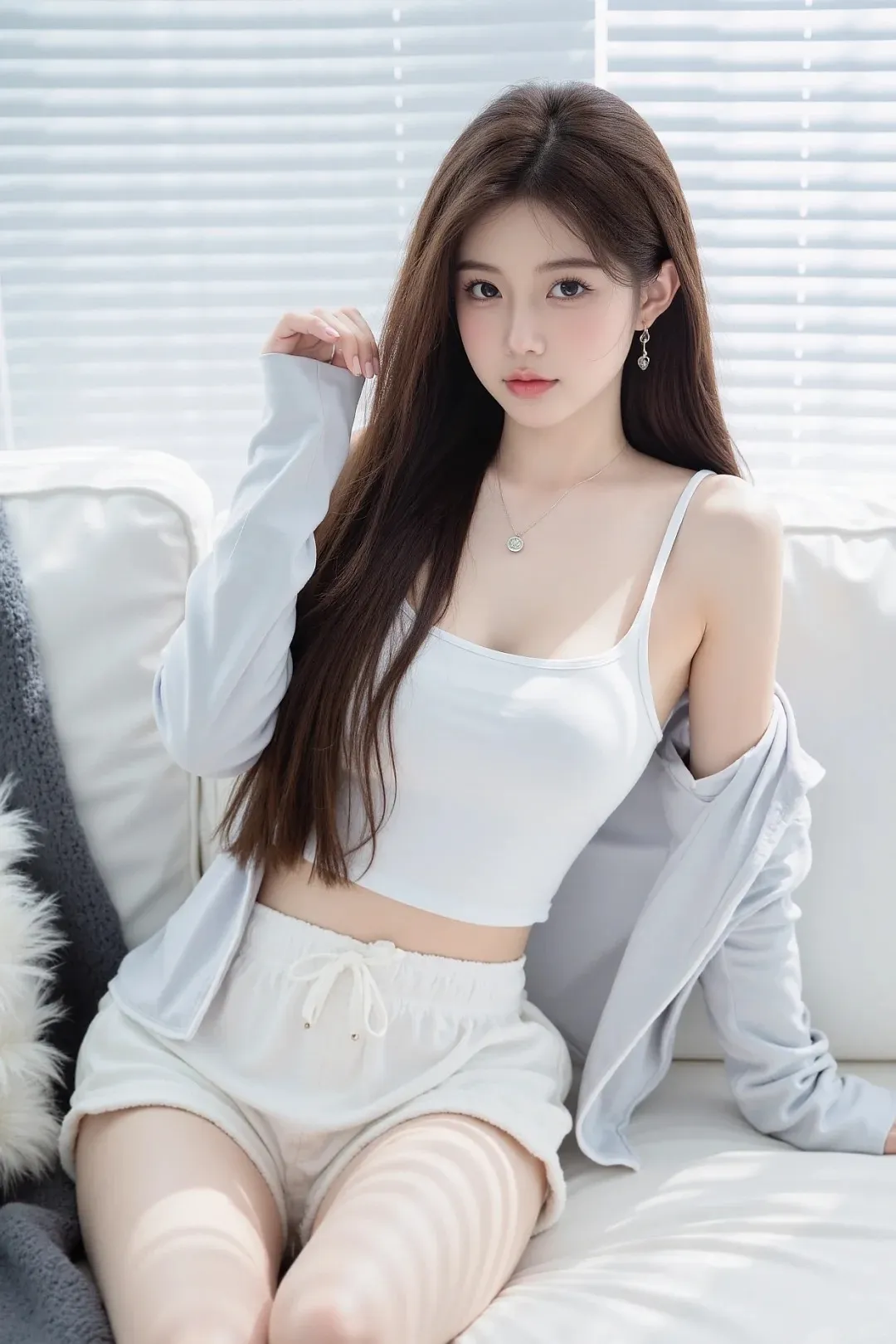
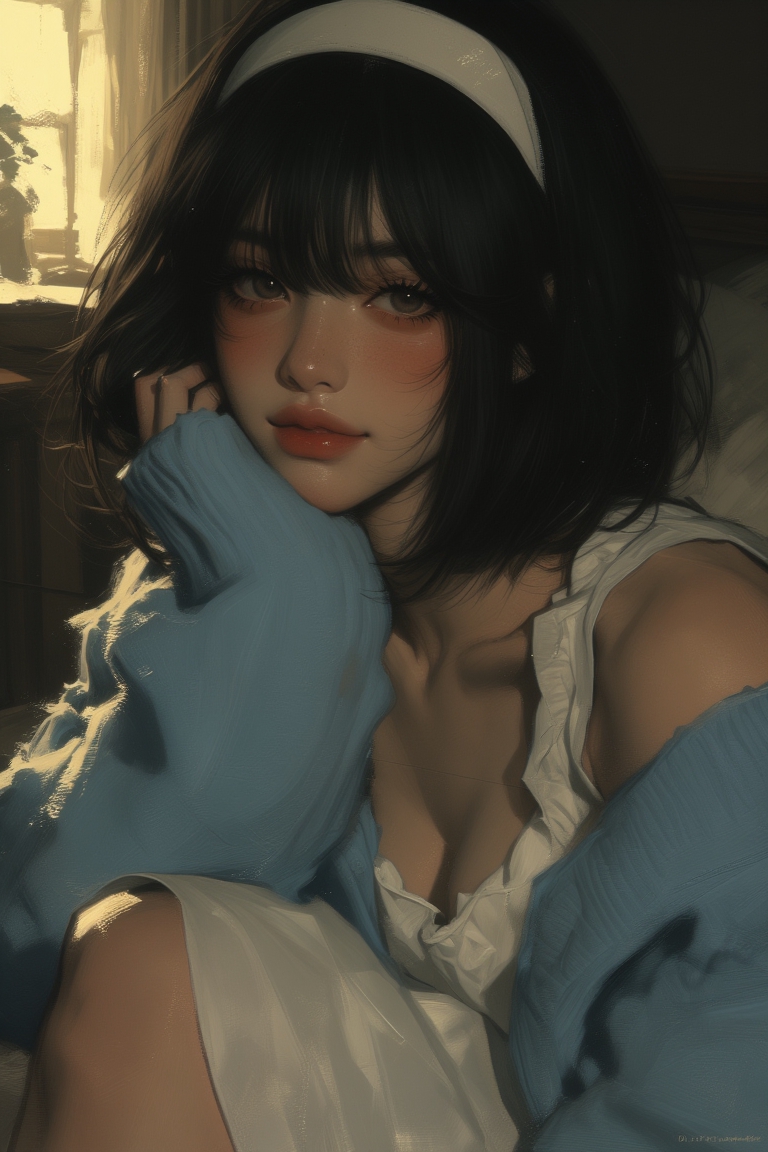
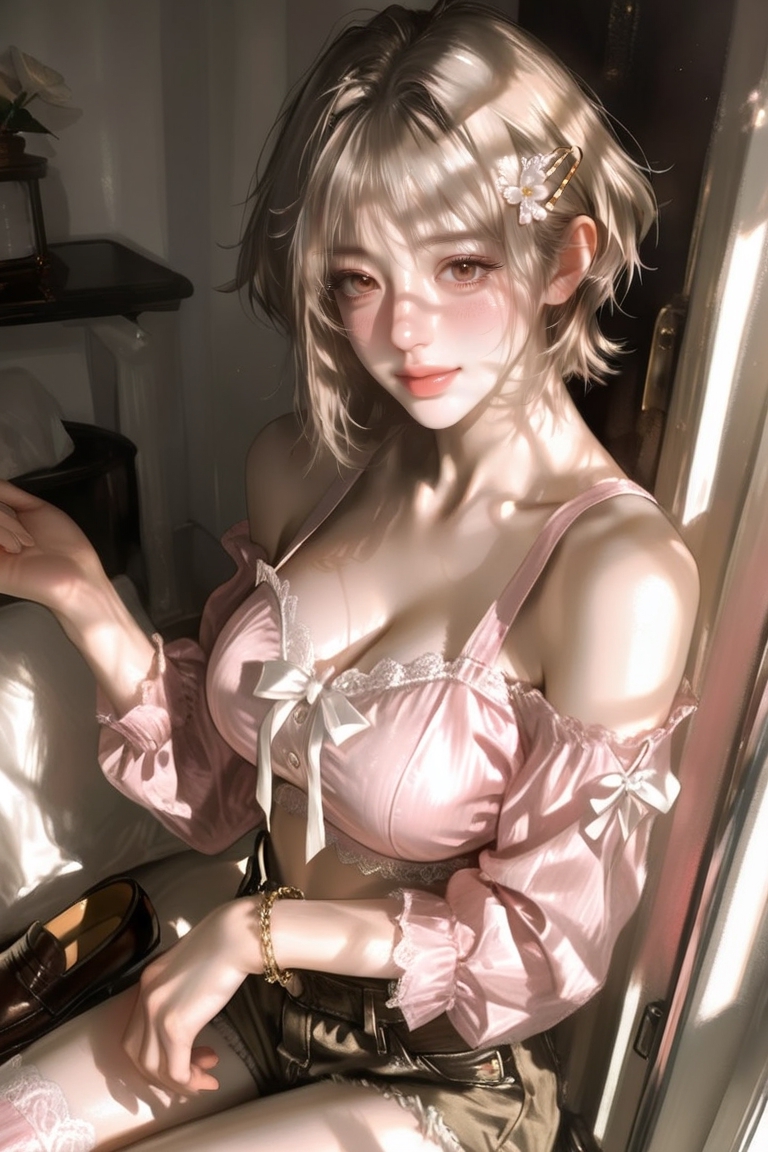
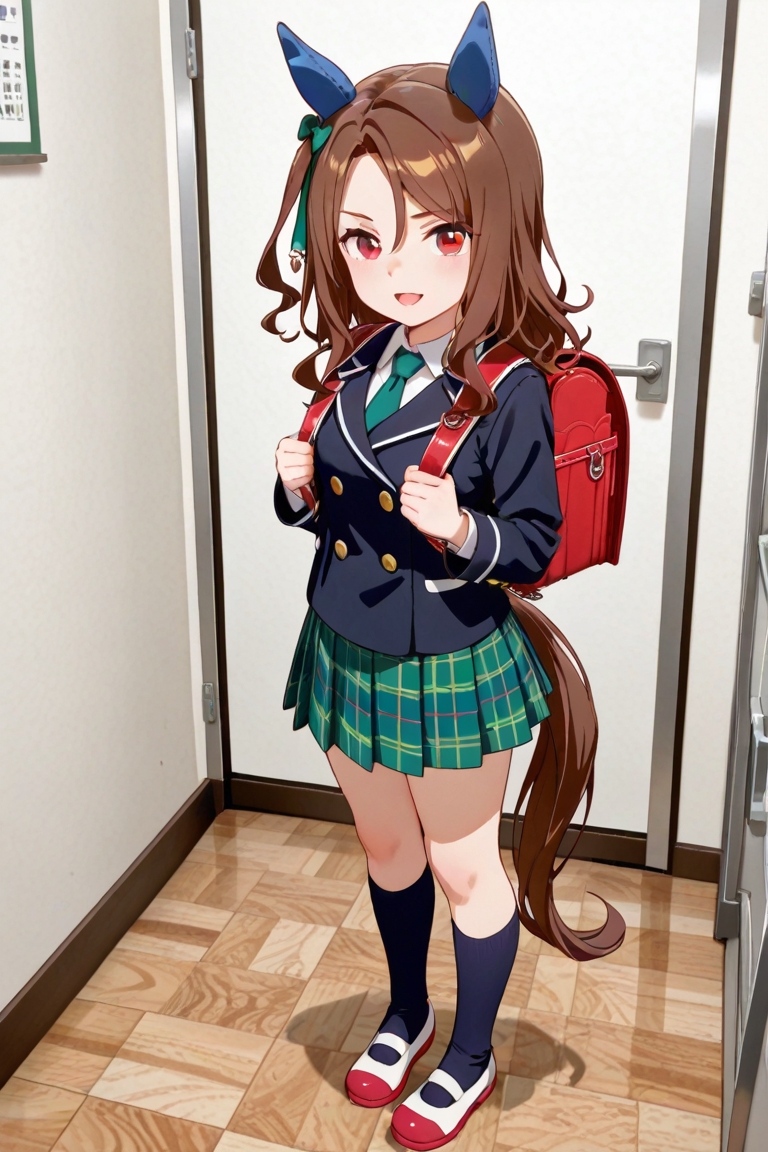
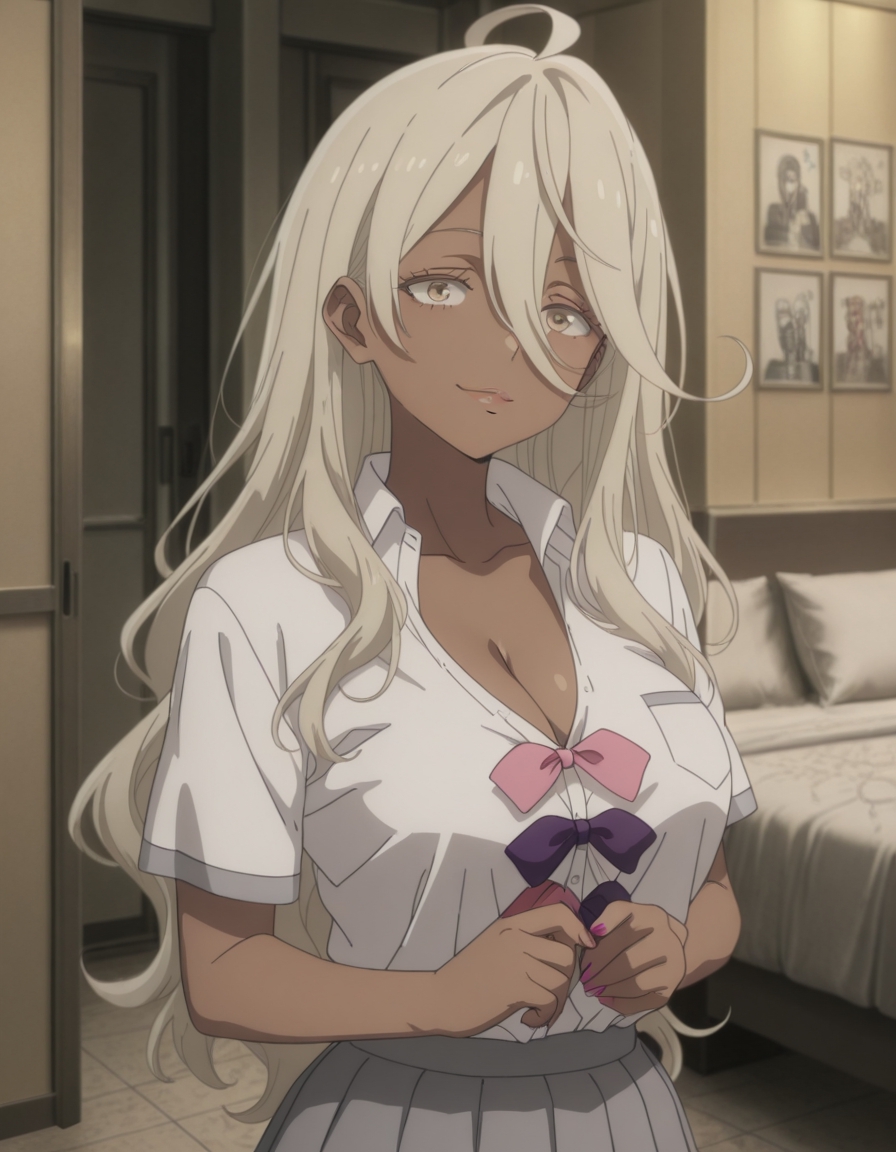
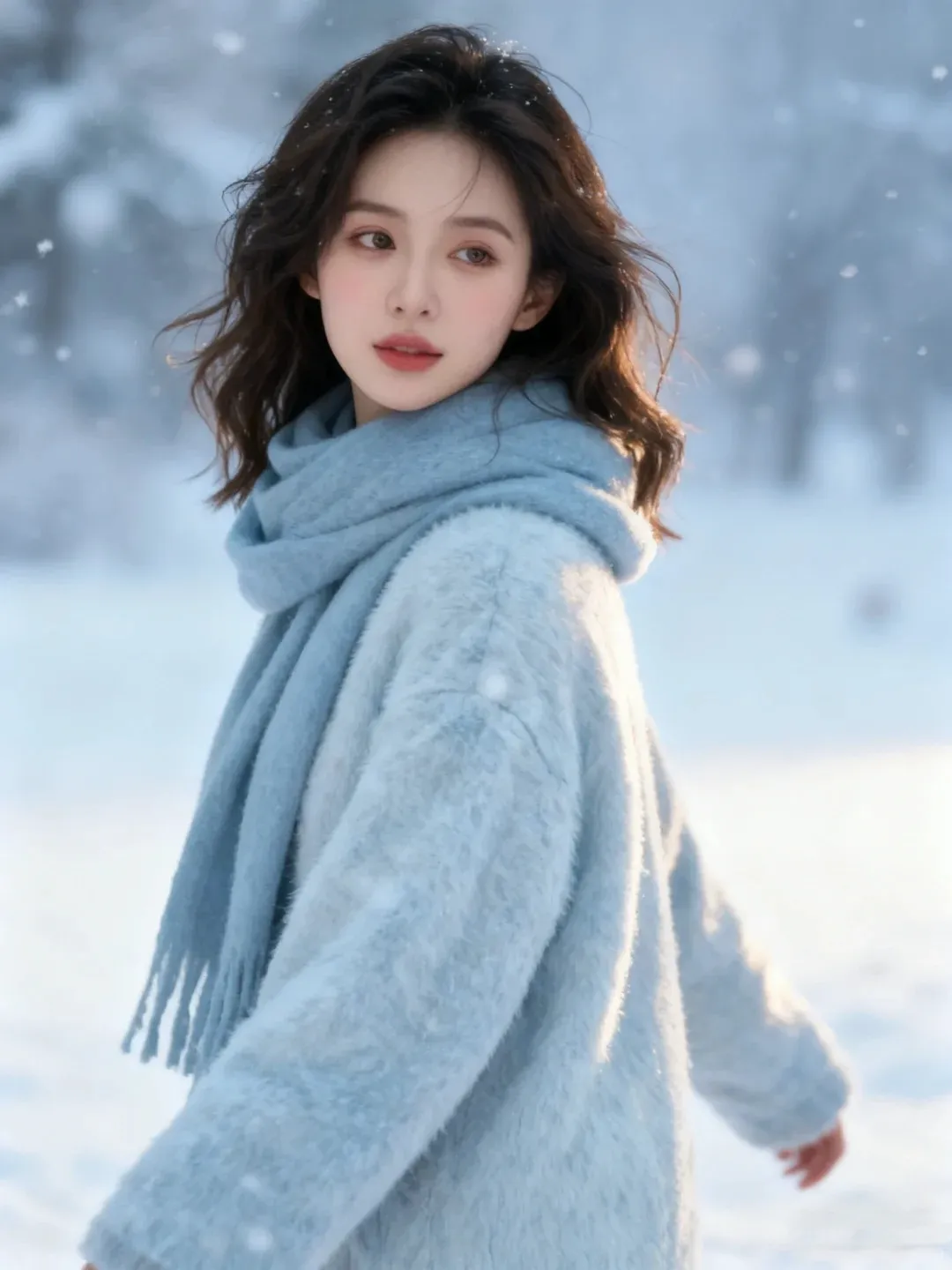
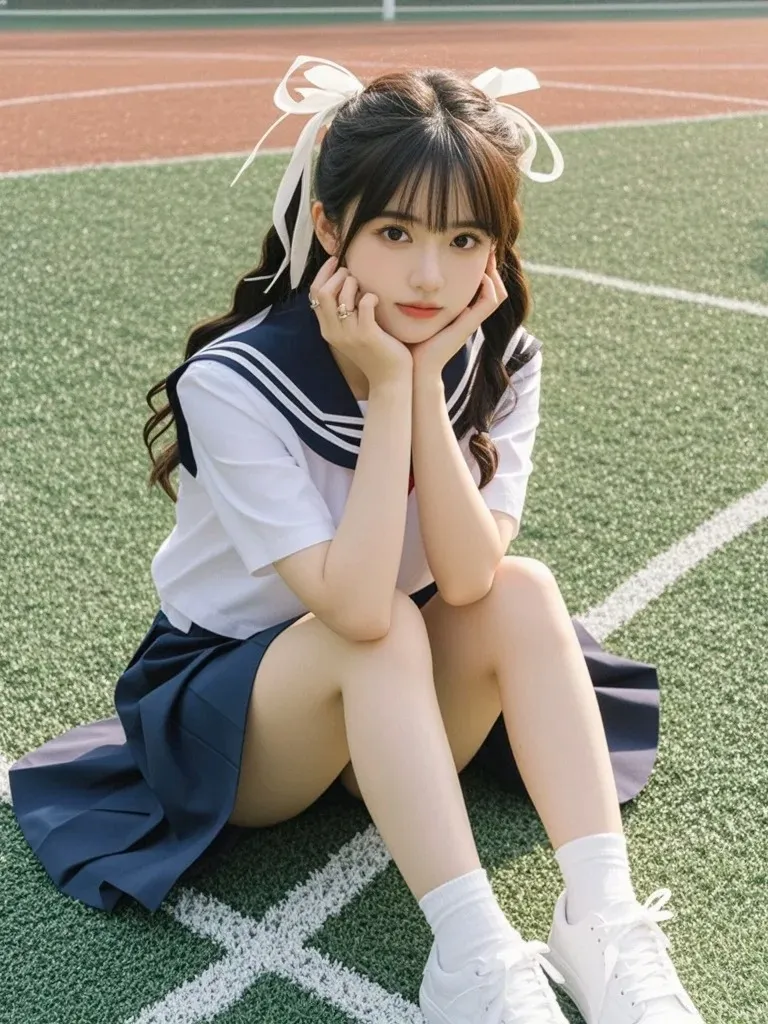
Transform any still image into a dynamic video. Upload a photo and our AI will bring it to life with natural motion, camera movement, and physics simulation.
Upload the image you want to animate. Higher quality input produces better video results.
Select a video model. Sora 2 for cinematic motion, Kling 2.6 for artistic animation, Seedance 1.5 Pro for speed with audio.
Optionally add a prompt describing the motion and camera movement you want.
Choose resolution, duration, aspect ratio, and optional audio, then generate.
Bring any still image to life with AI-powered motion that respects the original composition and perspective.
Add cinematic camera movements like panning, zooming, orbiting, and tracking to create dynamic videos.
Seedance 1.5 Pro supports optional audio track generation, perfect for social media content with sound.
Choose from multiple video models, each with unique strengths for different animation styles and subjects.
Select 480p for fast iteration or 720p for higher quality final output on supported models.
Generate animated videos up to 12 seconds long with Seedance 1.5 Pro, enough for social media clips.