NB
Studio0
Remove the background from any image with AI. Keep it transparent, or drop in a white, black, or blurred background.
Upload an image to remove its background automatically
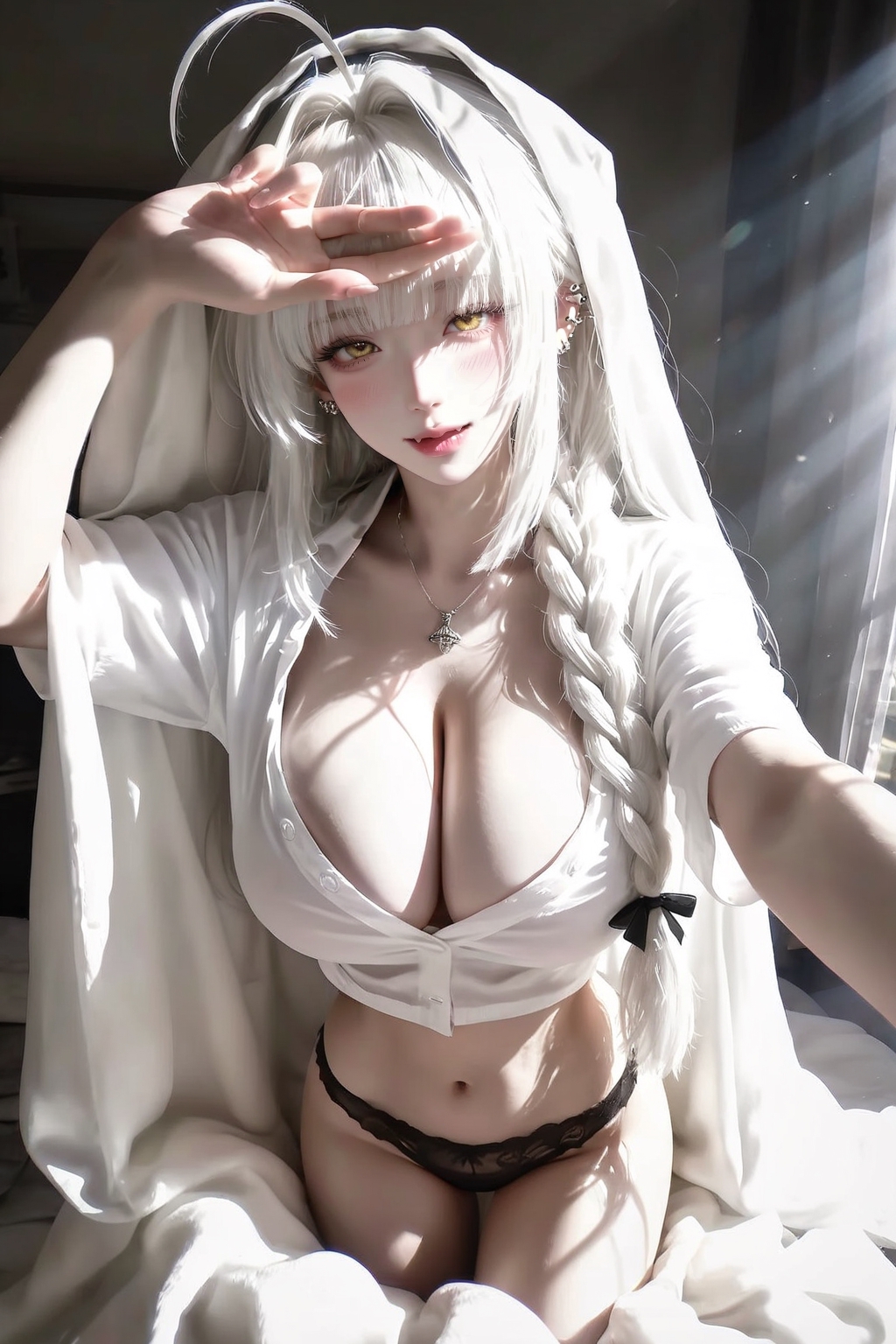
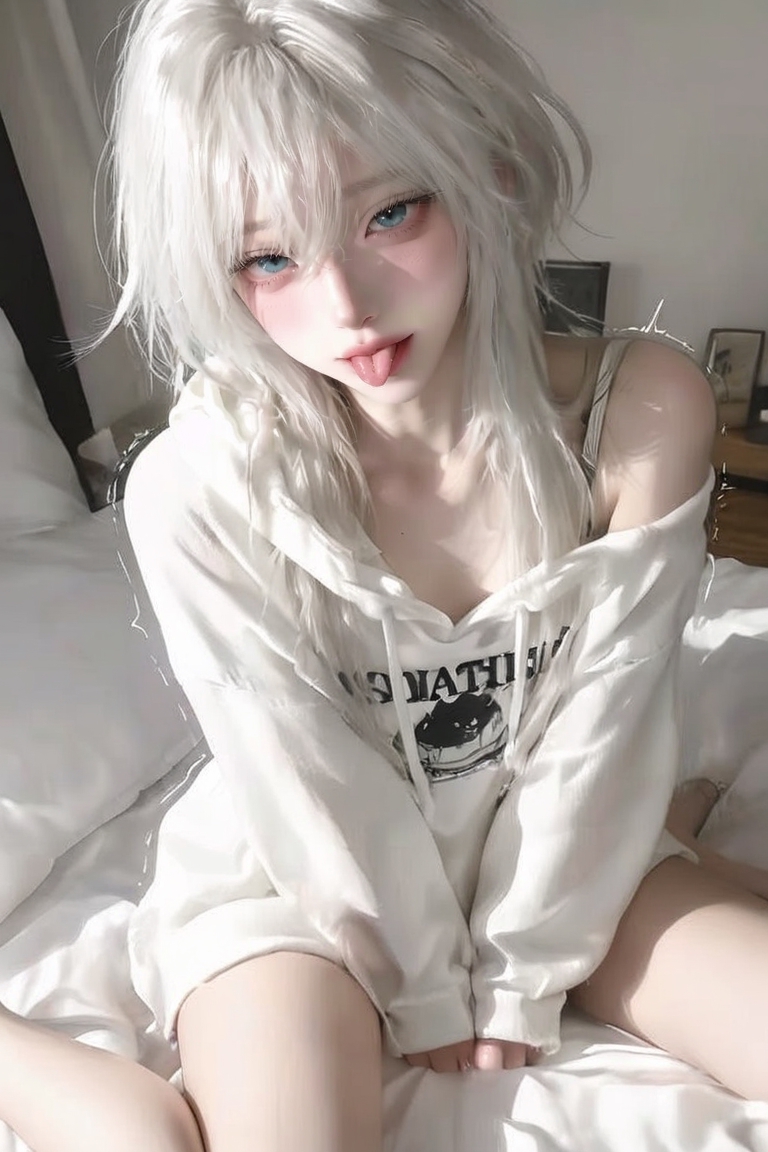
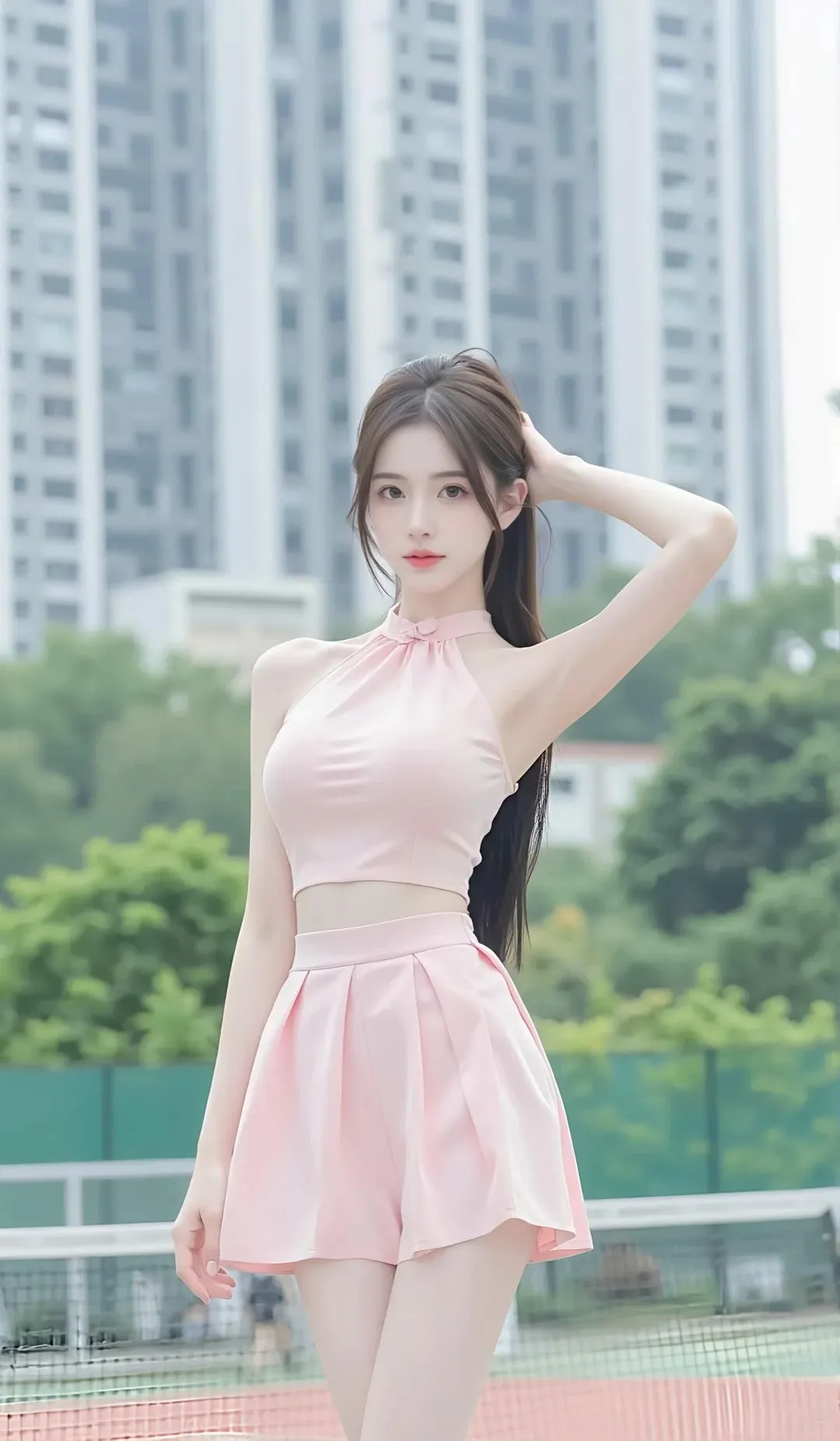
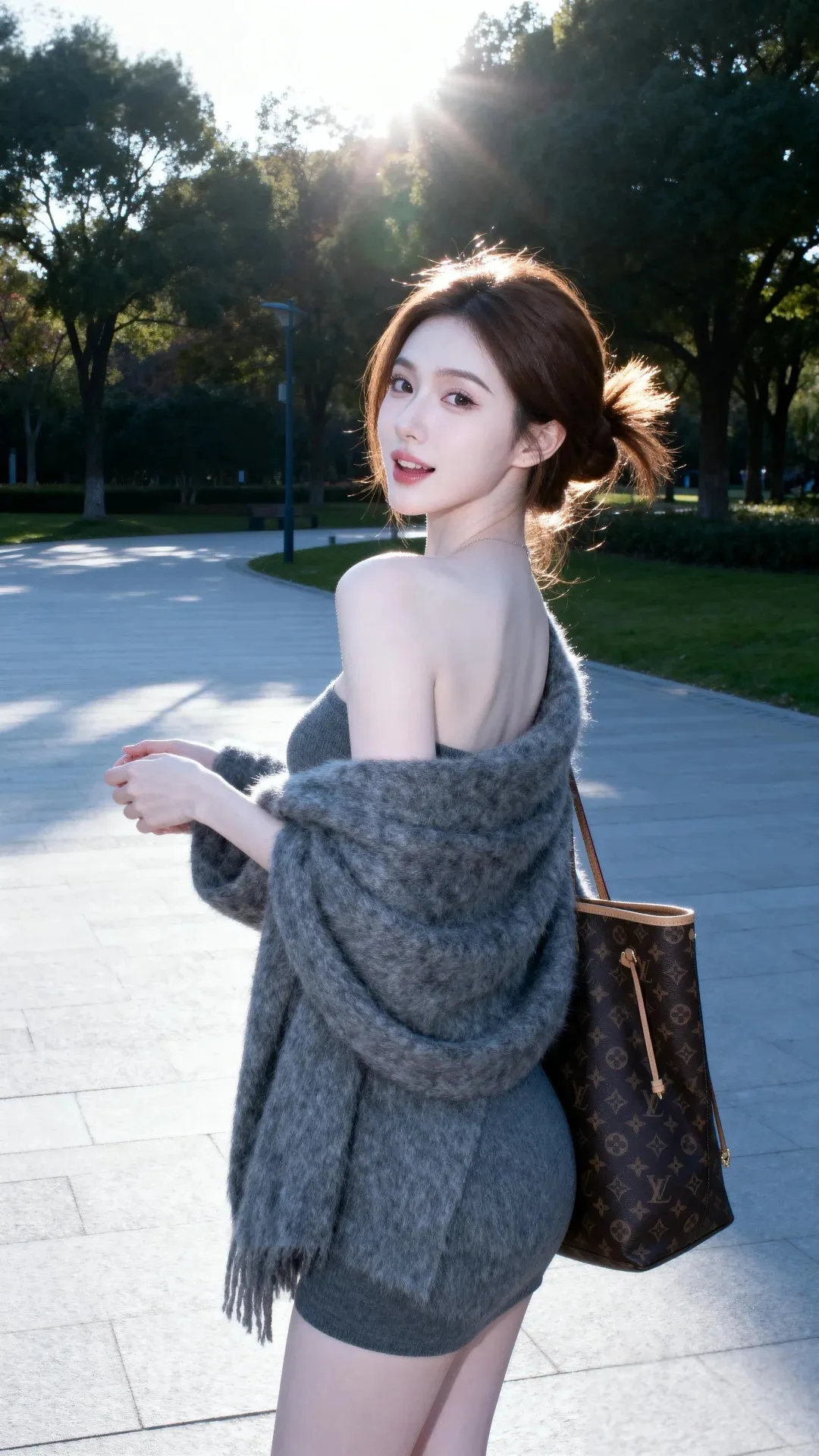





![[Professional studio portrait photograph of]](https://cdn.bananaimag.com/gallery/realistic/967950522000609473.jpg)



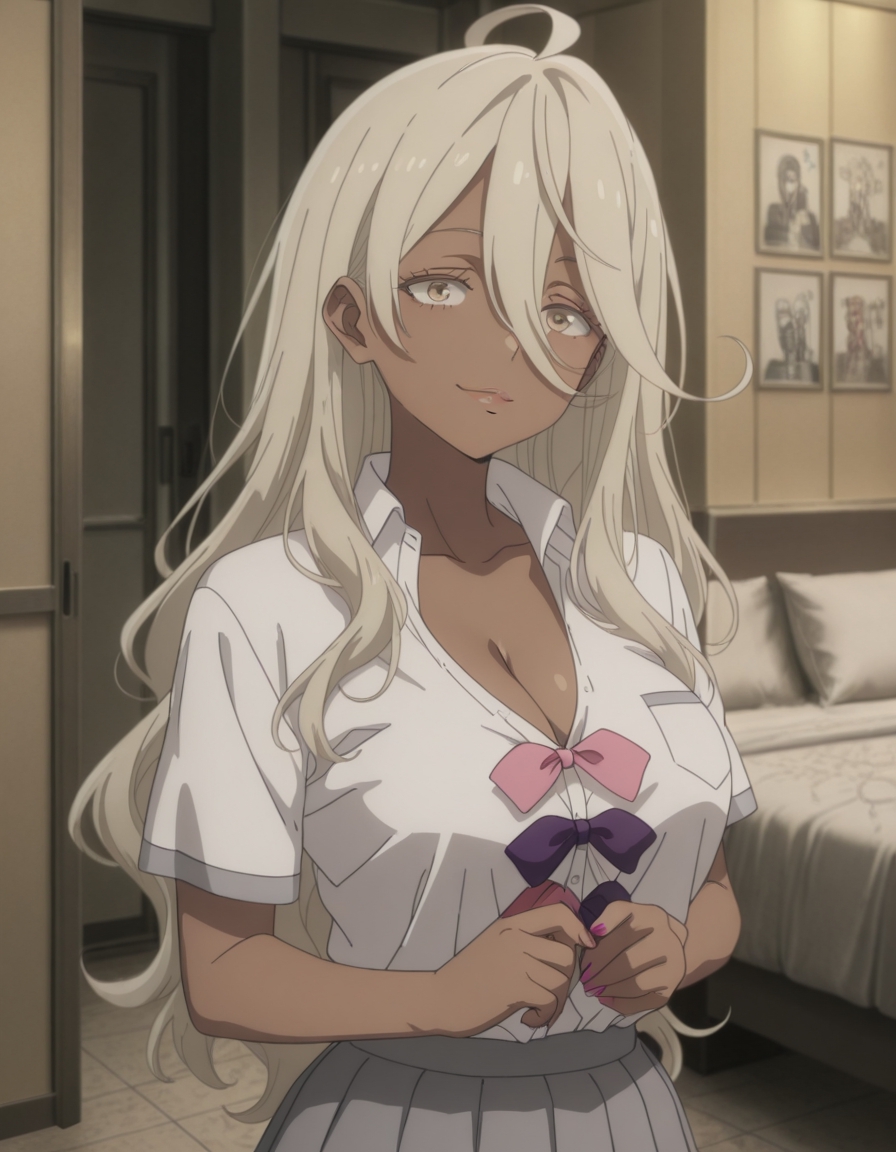


Upload an image and get a clean cutout with the edges intact, including hair, fur, and semi-transparent areas. Export on a transparent, white, black, or blurred background, ready for product listings, thumbnails, and design work. Each removal costs 3 credits.
Upload a JPG or PNG image. Product shots, portraits, and objects on busy backgrounds all work.
Pick your output background: transparent PNG, solid white, solid black, or a soft blur that keeps the original scene.
Click Remove Background. Detection and matting run automatically, with no brushes, masks, or manual selection.
Preview the cutout against the checkerboard, then download. Each run costs 3 credits.
Hair strands, fur, and soft edges are preserved instead of being clipped into a hard outline.
Transparent PNG for design work, white or black for marketplaces, or a blurred original for portraits.
Subject detection is fully automatic. There is nothing to trace, refine, or clean up afterwards.
White-background exports meet the product image requirements used by Amazon, Shopify, and eBay.
Flat price regardless of image size or which background option you choose.
Send the cutout to the image enhancer to upscale it, or to virtual try-on to place it on a model.