NB
Studio0
Upload clothing + optional model photo — AI generates a realistic try-on image.
Click to upload clothing
PNG, JPG, WebP
Click to upload model
Leave empty for AI model
Example
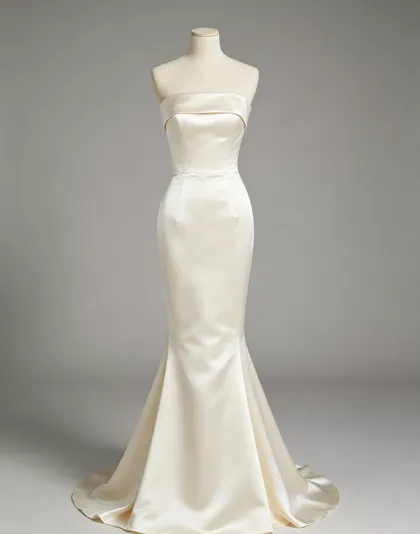
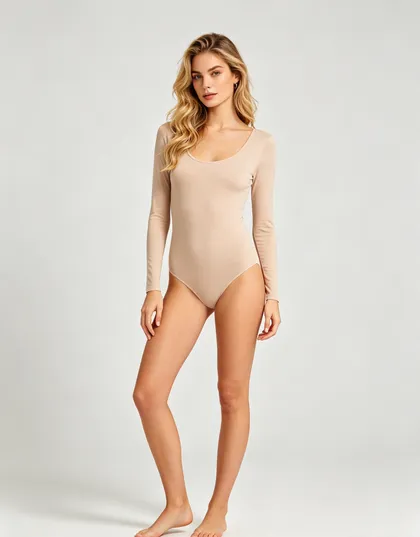
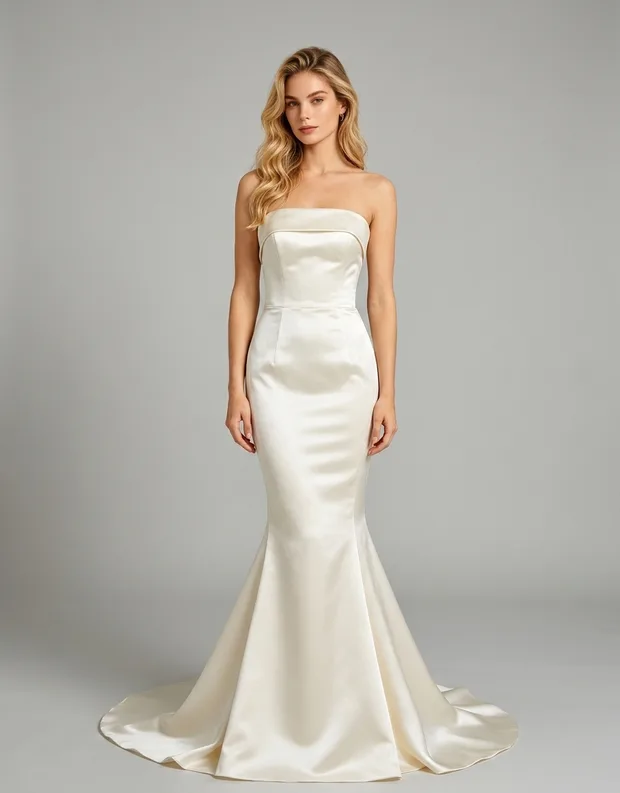
HOW TO USE
Works best with front-facing clothing photos on white background.
Usually 1–3 min · 10 credits
Upload a garment or accessory plus a model photo and generate a realistic worn shot. Produce ecommerce imagery in a range of looks without booking a studio, a photographer, or a fitting. Each generation costs 10 credits.
Upload a clean shot of the item. A flat lay or a cutout on a plain background works best.
Upload the model photo, or describe the person and setting you want the product shown on.
Generate. The model fits the garment to the body, matching drape, folds, and lighting direction.
Download the result, or re-run with a different model photo to build out a set of variations.
Fabric follows the body rather than being pasted flat, with folds and shadows that match the pose.
Colour, pattern placement, and hardware details from the source image are carried into the worn shot.
Skip model booking, studio hire, and turnaround time. A new look costs one generation.
Swap the model photo to show the same product across different people, poses, and settings.
Works for accessories too, including bags, eyewear, jewellery, watches, and headwear.
Results drop straight into product pages, catalogues, and paid social creative.